
The laser cut box maker that fits on the first try
A laser cut box maker will hand you the panels. Getting a box that actually taps together comes down to one number: kerf. Here's how to nail it.
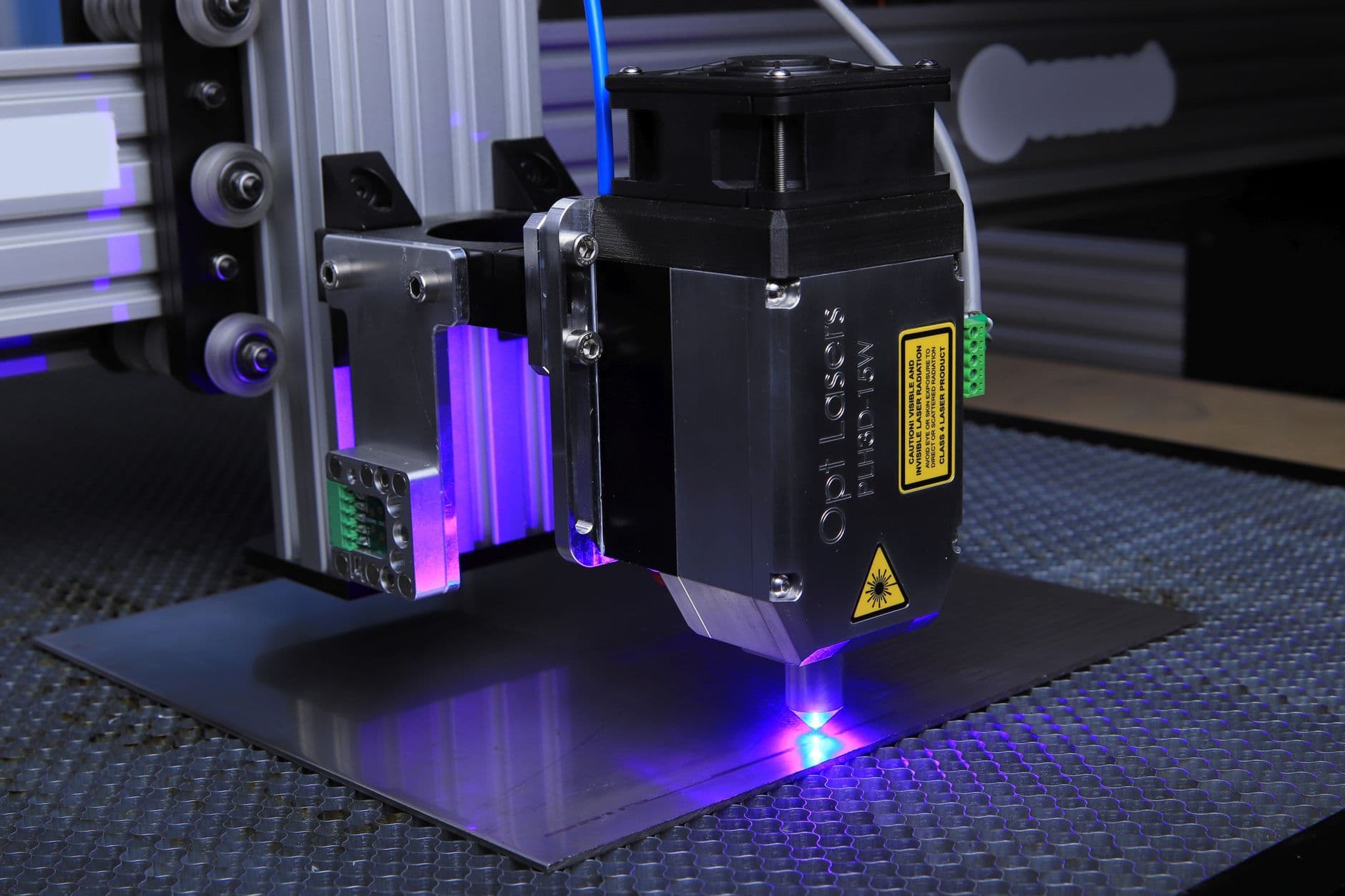
You found a free laser cut box maker, punched in your dimensions, and hit cut. The panels came off the bed clean. Then you went to assemble it — and the finger joints wobbled apart in your hands.
Loose. Rattly. Useless without a bead of glue.
Here's the thing almost nobody tells you: every laser cut box maker on the internet will generate the panels. Very few of them will hand you a box that actually fits. The difference is one number — kerf — and once you understand it, a clean first cut stops being luck.
What a laser cut box maker actually does
A laser cut box maker turns a handful of numbers — width, depth, height, material thickness — into flat panels with interlocking finger joints, then exports them as SVG or DXF for LightBurn, RDWorks, or LaserGRBL. The teeth on one panel drop into the slots on the next. Cut it right and the whole thing taps together and holds — no glue, no fasteners, no clamps overnight.
That's the promise. Here's exactly where it breaks.
Kerf is the whole game
Your laser doesn't cut a line. It vaporizes a channel — the kerf — usually somewhere between 0.05 mm and 0.2 mm wide, depending on the machine, the material, and your power and speed.
Watch what that does to a joint. You ask for a 6 mm slot to seat a 6 mm tab. The beam eats a sliver off each wall of the slot and each side of the tab. Now the slot is 6.15 mm and the tab is 5.85 mm. That's a 0.3 mm gap — per joint. Multiply it across a dozen joints and the box rattles like a matchbox.
A good box maker lets you set a kerf offset so the slots come out the size you actually asked for. A bad one pretends kerf doesn't exist.
Dial it in once — don't guess
Don't pull a kerf number off a forum. Measure your own.
- Cut a test comb from the exact stock you'll use — same material, same thickness, same power and speed. Kerf moves with all of them.
- Measure a slot with calipers.
- Subtract the nominal width from your file, then divide by two. That's your per-edge kerf offset.
Store that offset against the machine-plus-material combo and you never run the math again. The Bad Ass Box Maker applies it automatically on every export — cut once, fit clean. (There's a longer walkthrough in dialing in kerf for press-fit joints if you want the full calibration.)
Rule of thumb: 3 mm ply on a 60 W laser lands around 0.10–0.18 mm kerf. Always verify — yours will vary by a lot.
Thickness, finger width, and the stuff that bites later
Kerf gets the headlines, but two more settings quietly wreck fits:
- Material thickness — measure it, don't trust the label. "3 mm" ply is often 2.7–3.1 mm, and the slots are cut to whatever number you type. Off by 0.3 mm and the panels either won't seat or fall through.
- Finger width — wider fingers mean fewer, stronger joints; narrower fingers mean more teeth, more glue surface, and more places to be slightly wrong. Pick to taste, but stay consistent.
Dividers and lids are great — but every extra panel is another thickness-and-kerf dependency. Get the plain box tapping together first, then add complexity.
Export like the laser is watching
SVG or DXF, cuts on one color, engraves on another. Then confirm the boring part: the units survived the export (mm in, mm out) and nothing got scaled to "fit the page." A box that comes out 2% too big fits absolutely nothing, and you won't notice until it's already cut.
So next time a laser cut box maker hands you loose joints, you'll know it wasn't the generator that failed you — it was the kerf nobody compensated for.
What are you cutting next, and have you actually measured its kerf yet? Set it once in the Bad Ass Box Maker and let your first cut be the one that fits.
Frequently asked questions
- Why do my laser cut boxes come out loose?
- Almost always kerf. The beam shaves material off both the slot and the tab, so a 6mm slot and a 6mm tab can end up with a 0.3mm gap per joint. Set a kerf offset and the joints come out the size you actually asked for.
- Is a laser cut box maker free to use?
- Yes — you can generate a flat pattern for free. The Bad Ass Box Maker also stores your material and kerf so version two is one click instead of a full re-entry.
- What file format does a laser cut box maker export?
- SVG or DXF — vector cut paths for LightBurn, RDWorks, or LaserGRBL. Put cuts on one color and engraves on another, and confirm the units survived the export: mm in, mm out.
- Do finger-joint boxes need glue?
- A well-calibrated finger joint taps together and holds on friction alone. Glue adds strength for a box that will take load, but a clean kerf fit doesn't rely on it.