Make the
damn box.
Input your measurements. This laser cut box generator spits out a finger-jointed, kerf-perfect, ready-to-cut box. See multiple boxes rendered in 3D so you know it's right. No more re-measuring. No more scrap pile.
Watch a box come together
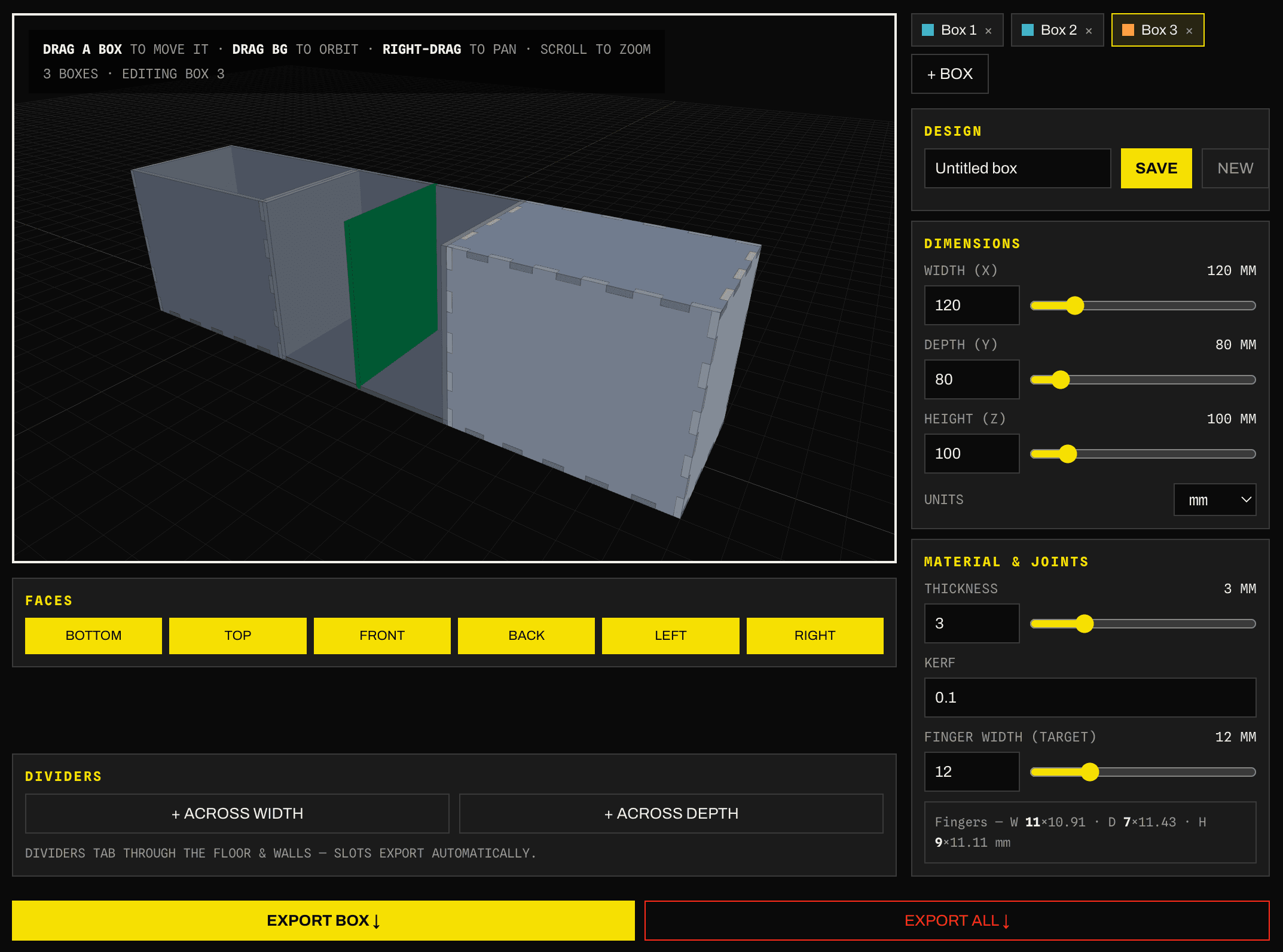
See, move & adjust every box in 3D
Stop guessing from a flat drawing. Spin the whole job, drag boxes around the bed, resize on the fly, and nest as many as you want — then export them all as one cut file.
What makers build
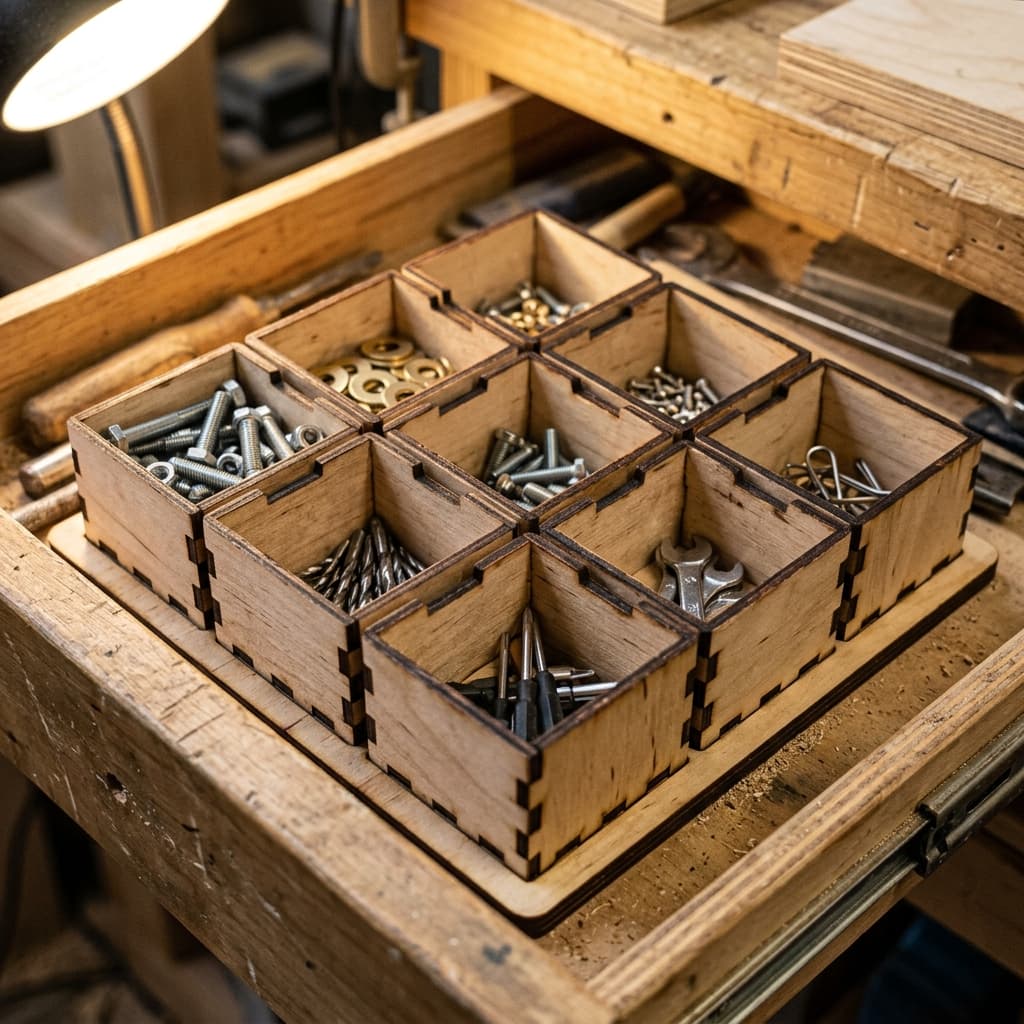
Why it's bad ass
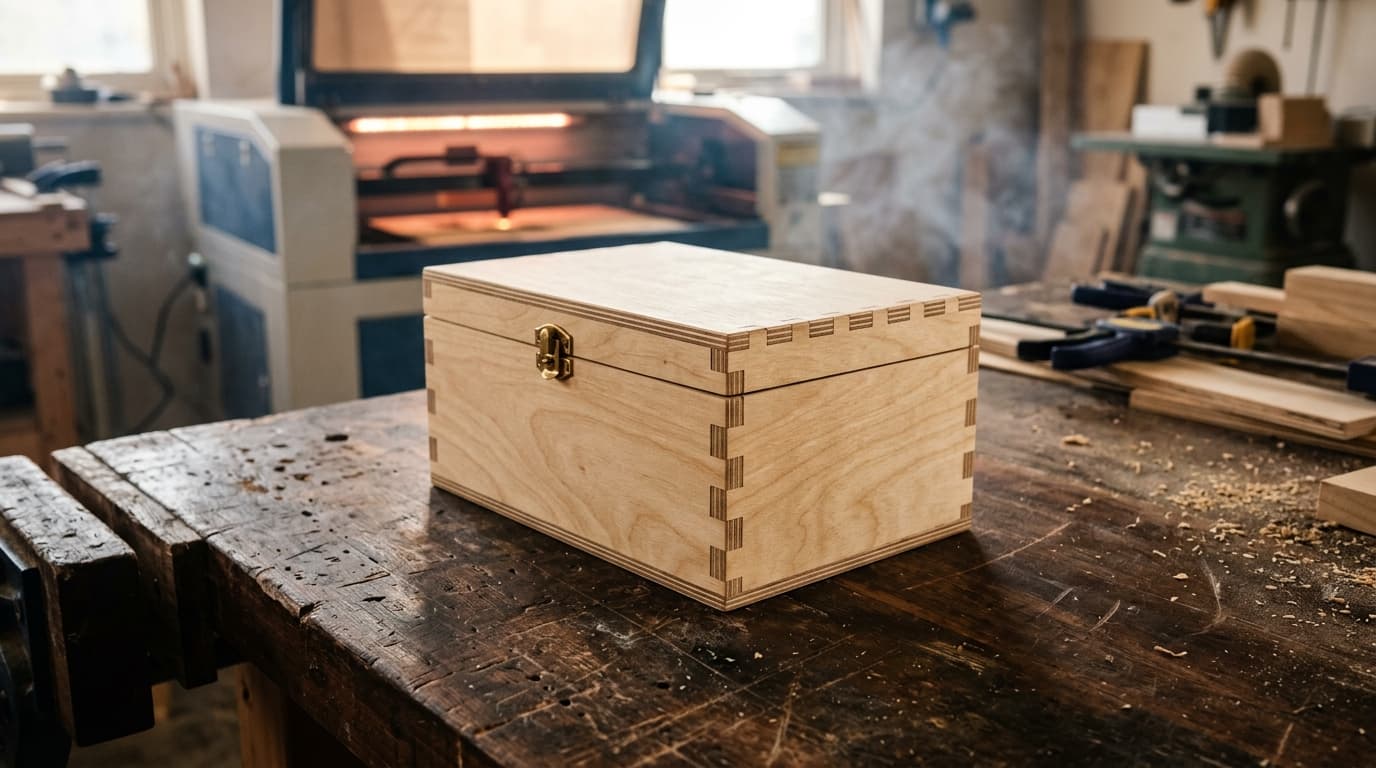
Three numbers in, a ready-to-cut finger-jointed box out. Nothing to learn, nothing to fight — just the box.
Every box lands square and kerf-perfect, so you start from a proven cut sheet instead of a blank page.
It doesn't need another reason. It's bad ass, because it's bad ass.
Three steps. That's it.
Punch in width, height, depth and your stock thickness. Done.
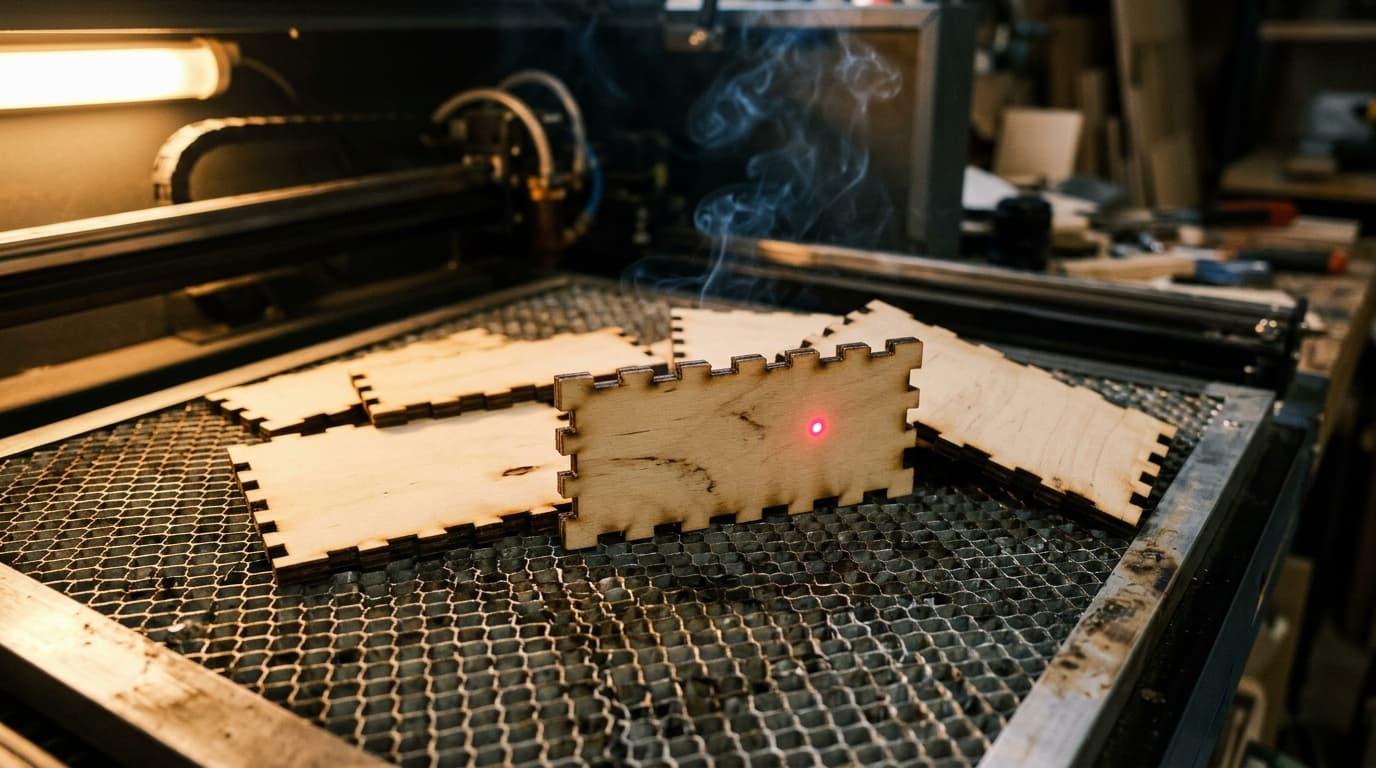
Download the DXF or G-code and run it on whatever you have got.
Finger joints line up. Glue, clamp, walk away. Box.
Pick your plan
- +Box Maker — plain boxes, export included
- +Save your measurements
- +Rules of thumb & templates
- +Community support
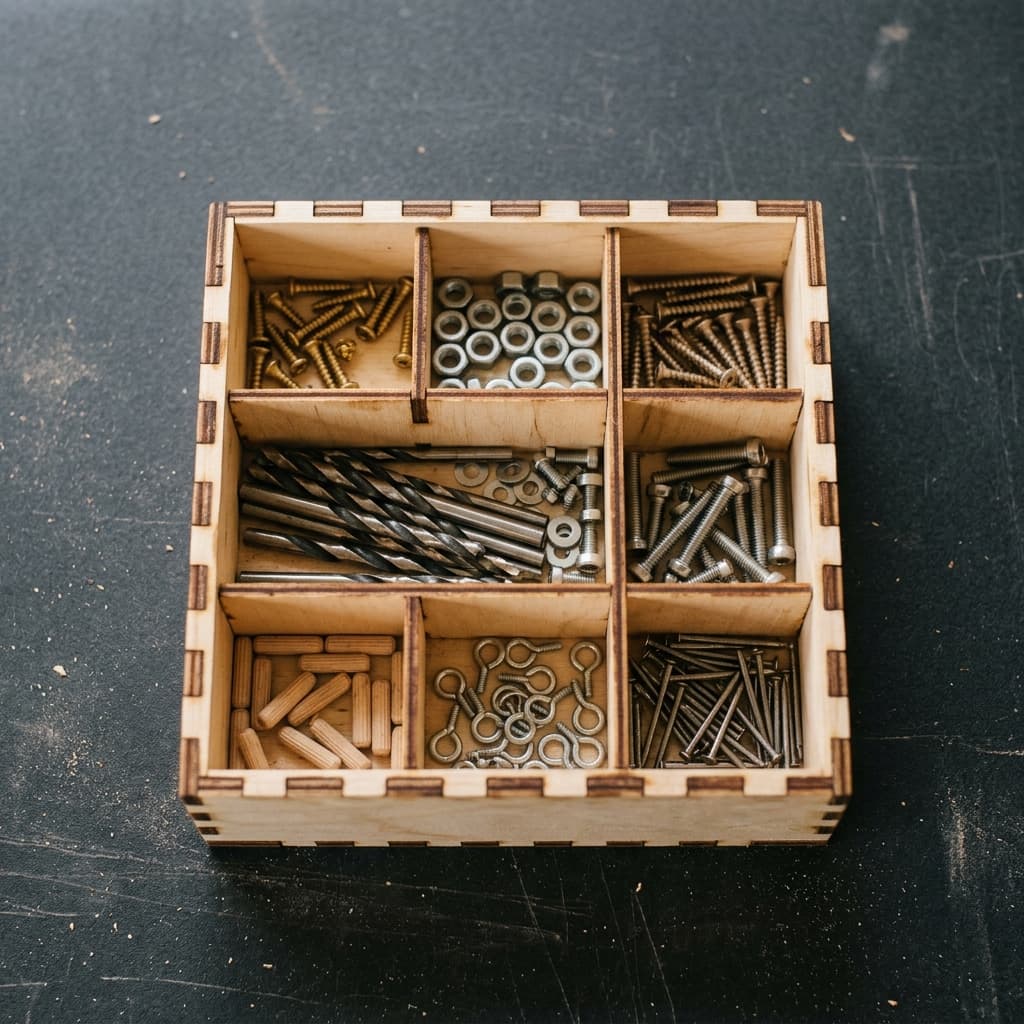
- +Dividers, custom faces & every tool
- +All export types (CSV / DXF / SVG)
- +Machine calibration storage
- +Priority support
- +Everything in Pro
- +Per-seat team billing
- +Roles, permissions & analytics
Say the number, it files itself. Sold on its own, so you only pay for it if you want it — no plan required.
- +Both hands stay on the job
- +Works on web and the mobile app
- +Learns your corrections over time
What kind of badass box
are you going to make?
Make the damn box →Frequently asked questions
- What is the Bad Ass Box Maker?
- A free laser cut box generator that turns your width, depth, height, and material thickness into finger-jointed box panels — with the joint math and kerf handled for you — and exports a laser-ready cut sheet.
- What features does the Bad Ass Box Maker have?
- Finger-jointed boxes sized to your stock, dividers auto-fitted to your parts, a built-in Gridfinity mode that snaps to the 42mm grid, saved designs and materials so the next box is one click, and SVG or DXF export for LightBurn, RDWorks, or LaserGRBL.
- What's the best free online tool to design finger-jointed boxes for laser cutting?
- One that does the joint math for you instead of making you draw teeth in CAD. Type your width, depth, height and material thickness, and the Bad Ass Box Maker lays out the finger-jointed panels, shows the box assembled in a live 3D preview, and exports a laser-ready SVG or DXF. Plain boxes and export are free on the Hobby plan — a free account, no card.
- How do I calculate finger joints and kerf for laser cut boxes automatically?
- You don't — the generator does it. Every tab is cut exactly one material thickness deep so perpendicular panels interlock flush and the outside dimensions stay the ones you asked for, and your kerf is split half a cut per side so the fingers press-fit instead of rattling or refusing to go together. Save your kerf once in the Machine Setups Repository and it is applied to every export after that.
- Is there an online box maker that calculates joint count from material thickness?
- Yes. You set a target finger width and the count is worked out per edge from that edge's length — always odd, minimum three, so every corner starts and ends on a tab. Your material thickness sets how deep each joint cuts. Change the thickness or any dimension and the whole panel layout redraws itself.
- How do I generate laser-ready cut sheets from my wood stock dimensions?
- Enter the thickness of the stock you're cutting and the outside size you want, and every panel — walls, floor, lid, dividers — is flat-laid onto one sheet with cuts and engraves on separate layers. Export SVG or DXF and it opens straight in LightBurn, RDWorks or LaserGRBL at real size, so there's no redrawing and no scaling guesswork.
- What file formats does the box generator export?
- SVG and DXF — vector cut paths that drop straight into any laser or CNC software, with cuts and engraves on separate layers.
- Can it make Gridfinity bins and baseplates?
- Yes. Gridfinity mode snaps the footprint to the 42mm grid and the height to the 7mm module, then hands you a flat cut file sized to your material — no STL hunting.
- Is the Box Maker free?
- Plain boxes and export are free on the Hobby plan. Dividers, Gridfinity, and saved designs come with Pro ($5/mo or $50/yr), which starts with a 14-day free trial.