
Thread creator: make custom threads that fit
A thread creator turns a diameter and pitch into real, mating threads. Here's what the parameters mean and how to make threads that spin together.
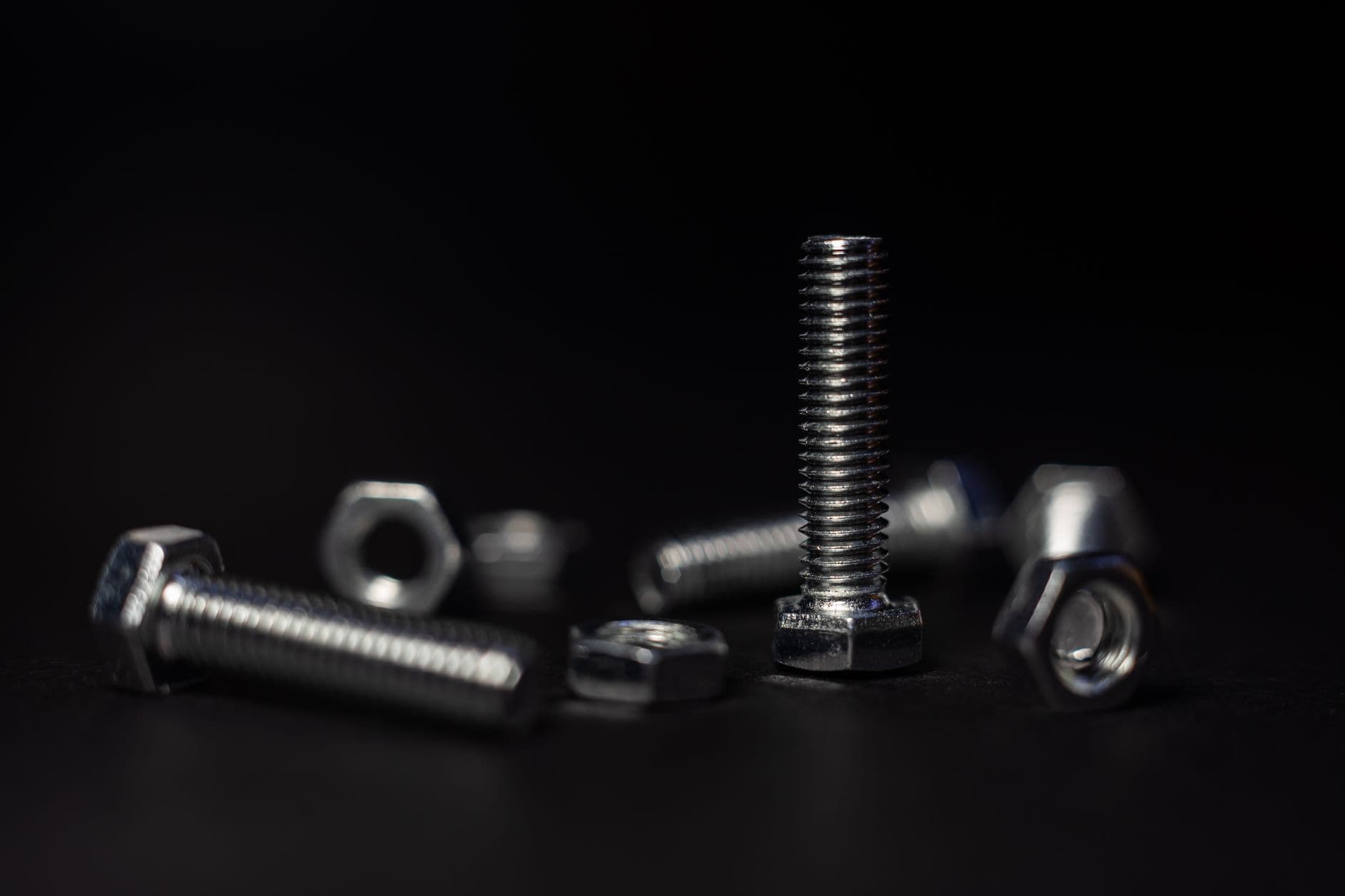
Modeling a thread by hand is a special kind of misery. Helix, sweep, profile, angle — one wrong number and the nut won't turn.
A thread creator skips all of it. You give it a diameter, a pitch, and a clearance; it hands back a matched male and female thread that actually mate. Whether you're 3D printing a custom knob or cutting a threaded part on a CNC, it's the difference between "works" and "close enough to be useless." Here's how to drive one.
What a thread creator generates
Under the hood it's building a helical profile — the ridge that spirals up a cylinder — and doing it twice: once as an external thread (the bolt) and once as its internal mate (the nut), offset by a clearance so they slide instead of jam.
The output is usually a solid model (STL for printing, STEP or DXF for CAD/CNC) with the thread already formed. No sweeps to babysit, no profile to sketch. You get geometry you can slice or machine.
The parameters that decide fit
Four numbers do almost everything:
- Major diameter. The outside size of the bolt / the nominal size. An "M8" is 8mm major.
- Pitch. The distance from one thread crest to the next. Small pitch = fine thread; large pitch = coarse. This is your biggest quality lever on a 3D printer — go coarse.
- Clearance / tolerance. The gap designed between mating threads. ~0.2mm per side for FDM printing; much tighter for machined metal. This is what makes them turn.
- Thread form. V-thread (standard), or trapezoidal/ACME. Flat-crested forms like ACME survive 3D printing far better than sharp V-threads.
Pitch and clearance are the whole game. Diameter just sets the size; those two set whether it works.
Matching a real fastener vs. rolling your own
Two reasons to reach for a thread creator:
Match an existing part. You need a nut for an oddball bolt, or a cap for a bottle with a weird thread. Measure the pitch (a thread gauge or calipers across a few crests) and the diameter, feed them in, and print the mate.
Design fresh hardware. A big knurled knob with an M6 thread. An adjustable foot. A camera-mount adapter. Here you're free to choose a coarse, printer-friendly pitch instead of matching a standard — so do.
Make them, then make them fit
The making is only half of it. A thread creator gives you geometry; the fit still depends on your process:
- 3D printing: print bolts vertically, nuts flat, coarse pitch, 0.2mm clearance. Full recipe in 3D print nuts and bolts that actually thread.
- CNC / tapping: tighter clearances, and mind your material — plastic and aluminum forgive; brittle stock doesn't.
The Nut & Bolt Maker is a thread creator built for exactly this: pick diameter, pitch, and clearance, get a matched pair ready to print or cut. For a good primer on how standard thread designations work before you go custom, Machinery's Handbook thread basics are worth ten minutes.
So — are you matching a thread or inventing one? Get the pitch right, build in the clearance, and let the generator do the helix. Your fingers will thank you.
Frequently asked questions
- What is a thread creator?
- A tool that turns a diameter, pitch, and clearance into a matched male and female thread that actually mate — building the helical profile for you so you skip the sweep-and-profile misery of modeling threads by hand.
- What parameters matter most for thread fit?
- Pitch and clearance. Diameter just sets the size; pitch (go coarse for 3D printing) and clearance (about 0.2mm per side for FDM) decide whether the thread actually turns.
- Can I make a nut to match an existing bolt?
- Yes. Measure the pitch with a thread gauge or calipers across a few crests, measure the major diameter, feed them into the thread creator, and print or machine the mate.